
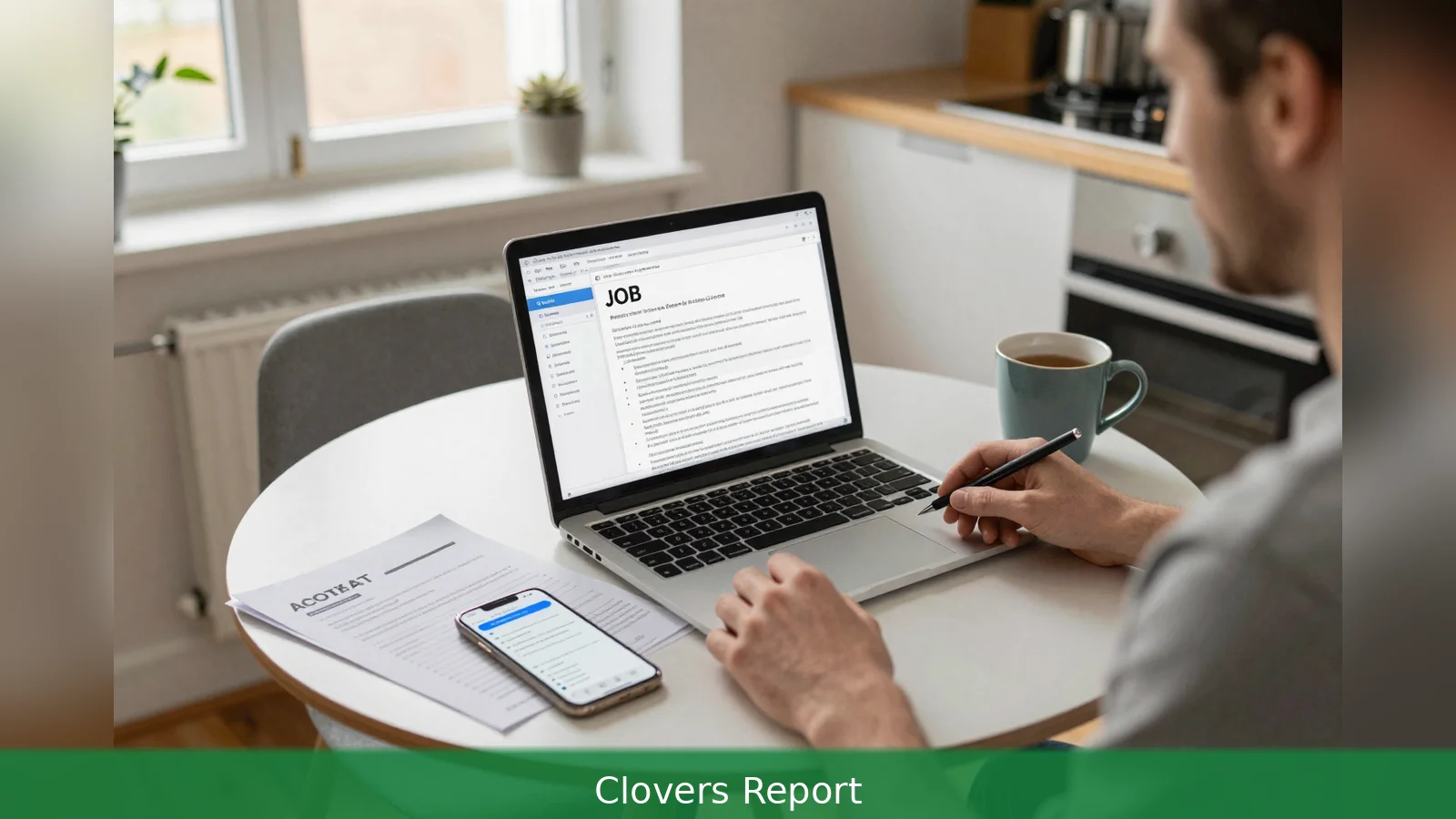
75% of job seekers now use AI tools as part of their search, a Software Finder survey cited by Zapier found. Those who used AI were also more likely to land a higher paying role, 77% versus 48% for non-AI users, Zapier reported, but Irish recruiters are learning to spot generic, copy‑paste output. This guide sets out seven practical steps, drawn from expert how-tos and tool roundups, to help you use AI to speed applications while keeping control of accuracy, voice and employer expectations. Follow them and you keep the advantages of AI without becoming the applicant every hiring manager remembers for the wrong reasons.
75% of job seekers now use AI tools as part of their search, so treat the figure as the reason to be deliberate rather than careless.
1. Adopt AI as a Thinking partner, not a ghost writer
The clearest rule is this: use AI to surface ideas and structure, then own the prose. Software Placements, in guidance from Michéal Ó Maoldomhnaigh, recommends asking tools to draft outlines, propose likely interview questions and list the key skills for a role, but not to produce your final CV lines. The legal and ethical responsibility for every claim on your CV sits with you, so every accomplishment, date and number an AI suggests must be checked against your own records.
Worked example: First, ask a tool to list five likely interview questions for a product manager role at a fintech firm. Second, use the list to pick one example from your past that shows measurable impact. Third, write the answer in your own voice and add the exact metric, for example the percentage improvement or revenue figure you can document.
2. Tailor with care: give the tool both your CV and the job advert
Tooling choices matter. Zapier and Novorésumé both list AI resume builders, optimisation tools and job-matching services as practical ways to reformat and draft targeted bullet points. The immediate workflow the sources recommend is simple: upload your base CV, paste the job description and ask the tool to identify gaps and to prioritise which experiences match the role.
Do not let the tool invent specifics. Software Placements warns that AI can hallucinate responsibilities, technologies and metrics. Every duty, percentage or technology listed on your CV should be traceable to your own history. Avoid heavy-handed keyword stuffing aimed only at applicant tracking systems, because a human reviewer will still read the document and will penalise unnatural phrasing.
Worked example: First, ask an optimisation tool to highlight three experiences that match the job spec. Second, for each suggested bullet point replace any generic language with a concrete metric or tool name you actually used, for example the name of the CRM, the exact conversion rate uplift and the time period. Third, run the file through your own spellcheck and read it aloud to check the rhythm and voice.
3. Use cover letters to show authenticity
Cover letters are where AI misuse shows up fastest. The Software Placements piece argues that generic AI letters tend to paraphrase the job advert and begin with formulaic openings, which are easy for experienced Irish hiring managers to spot. Replace stock openings and employer-agnostic paragraphs with a short anecdote that demonstrates genuine interest in the firm and a specific link between your experience and the role.
Worked example: Instead of a paragraph that says you are attracted to the company because of its mission statement, write one sentence about a recent product, a local market development or a press release the firm issued and how your recent project maps to that development. That single sentence will signal human authorship.
4. Treat interview coaching tools as rehearsal, not scripts
Use mock-interview platforms and conversational agents as practice partners, not memorisation machines. Zapier’s roundup includes apps that generate practice questions and give feedback. Use them to tighten your examples and rehearse concise stories, but don't memorise an AI-generated script word for word. The Software Placements guidance cautions that robotic, perfectly polished answers can backfire in live interviews.
Worked example: First, run a rehearsal with a mock-interview tool and note three suggested improvements to your answers. Second, practise an abridged version of the improved answer aloud, leaving room to adapt to the interviewer. Third, prepare short prompts to remind yourself of the key numbers and outcomes so you can speak naturally rather than recite.

5. Scale outreach thoughtfully and preserve the human detail
AI can make outreach and networking efficient, but scale personalisation rather than mass templating. Use AI to generate multiple tailored drafts, but add recent context to each message, such as a mutual connection, a recent article the person shared or a company announcement. That prevents messages that read like bulk mail and makes responses more likely.
Worked example: First, ask an AI tool to suggest three variations of an outreach message to a hiring manager. Second, for each draft insert one sentence referencing a recent public fact about the recipient, for example a talk they gave, an article or a hiring announcement. Third, keep the messages short and end with a simple, specific call to action.
6. Protect privacy and check tool policies
Privacy and compliance matter. None of the sources identifies a universal ban on AI use in applications, but they note growing recruiter awareness of AI-origin content and the need for candidate responsibility. Use tools that let you export, edit and control the final text. Avoid pasting proprietary or confidential employer material into public AI playgrounds. Review the tool’s terms of service for data retention clauses and treat each app as a drafting aid under your control.
Worked example: First, before you paste any content into a tool, read the privacy and data retention section. Second, avoid uploading non-public documents from previous employers. Third, choose tools that explicitly allow you to delete your data or to work offline if the offer you are preparing involves sensitive material.
7. Pick tools that support human-in-the-loop editing and are transparent
Choose one resume builder, one optimisation tool and one interview-practice app rather than chaining multiple generative tools. The tool roundups in Zapier and Novorésumé cover categories you can deploy: resume builders for structure, job-matching tools for role discovery, cover-letter generators for first drafts, mock-interview coaches for rehearsal and negotiation assistants for offer stages. Chaining several generative steps without manual editing multiplies the risk of invented details.
Worked example: First, use a single resume builder to create a cleaned layout. Second, run that output through one optimisation tool that compares it to the job description. Third, manually edit every suggested bullet to include technologies, dates and metrics you can document.
8. Prepare an honest answer about how you used AI
Be ready to explain what you asked the tool to do and how you edited the output. None of the sources gives a universal disclosure rule, but the dominant advice is to frame AI as a time-saving assistant you used to draft and test phrasing, with all factual claims verified by you. That keeps the focus on your judgement and ownership and preserves recruiter confidence in your integrity.
Worked example: Prepare a one-sentence explanation you can offer in an interview or on request, for example: "I used an optimisation tool to highlight role matches and then rewrote every bullet to include metrics I can verify." Keep the answer short, factual and owner-attributed.
How to apply these steps in a single session
Begin with one real role you want and a single, up-to-date CV. Load them into a well-reviewed AI resume builder or optimisation tool and ask it to highlight gaps and suggest alternative bullet points for that role. Manually edit each suggestion to add concrete metrics, exact technologies and your personal voice. After that revision run interview-practice prompts, rehearse the answers aloud and prepare the one-sentence explanation of your AI use so you have it ready if a recruiter asks.
Zapier cites a Software Finder survey showing 75% adoption, while other sources report lower estimates. The discrepancy matters because it changes how defensive you should be about sounding mechanical. If 75% is accurate many hiring managers will expect some AI polish and focus on authenticity. If usage is substantially lower in your niche market, overly optimised applications could look artificial. Either way, the practical response is identical: make sure your application reads like it was written by a person and that every claim is verifiable.
In Short
First, use AI to generate ideas, outlines and practice questions. Then rework every sentence so it reflects your achievements, voice and exact metrics.
Second, upload your CV and the job description to a single optimisation tool, but don't let it invent specifics or engage in keyword stuffing that ruins readability.
Third, replace stock cover-letter openings with a one-sentence detail about the company or a recent development that proves you are human and informed.
Fourth, rehearse with mock-interview tools but avoid memorising AI scripts. Prepare a concise statement explaining how you used AI and how you verified the facts.
Finally, check tool privacy policies, avoid pasting confidential content into public playgrounds and choose apps that leave you full control of the text.
Named sources in this guide include Zapier, which cited the Software Finder survey, Software Placements and Michéal Ó Maoldomhnaigh, Novorésumé and LinkedIn. Each provided the facts and tradeoffs that inform these seven steps.
Related Articles
- Interactions API GA: 7-step guide for builders
- Data lineage: 7-step guide to pick the right tool
- 3 steps to build an OpenAI agent in 2026
Pick one well-reviewed AI resume builder or optimisation tool, load the CV and the job description for a role you actually want, ask the tool to highlight gaps and suggest alternative bullet points, then manually edit every suggestion to add concrete metrics, technologies and your voice, rehearse answers aloud and prepare a one-sentence explanation of how you used AI so you can own the process.
This article was created with AI assistance.


