
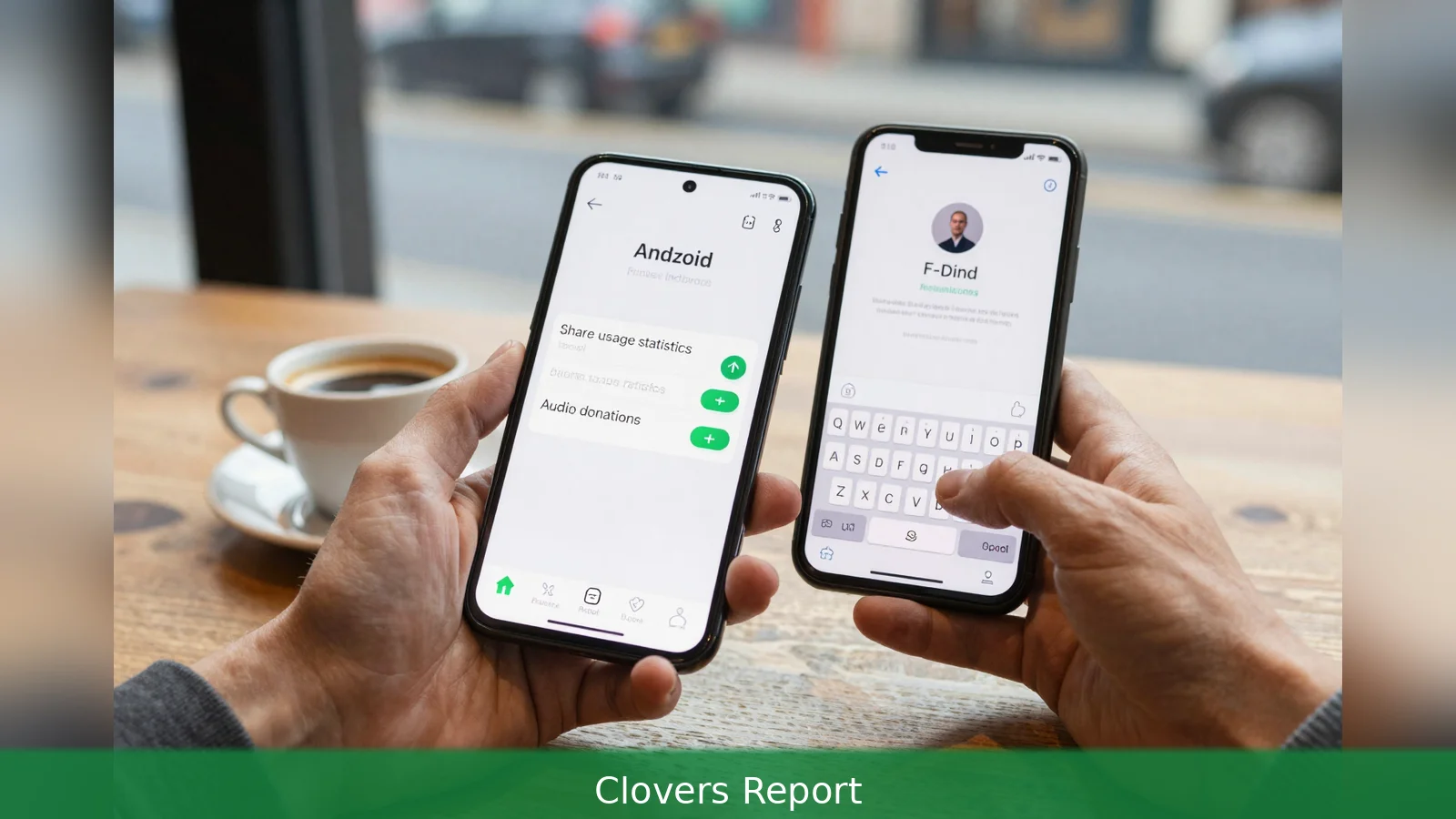
'Your Android keyboard may be tracking what you type and sending data off your phone,' recent practical guides warn. The warning centres on Gboard, Google's default Android keyboard, which uses internet-enabled features for predictions, personalisation and voice typing that can send usage statistics and short audio snippets unless users opt out. You have two clear choices: change Gboard's privacy toggles to limit cloud sharing, or replace the keyboard with a local alternative such as the open-source FUTO Keyboard. Both paths are available now and require only a few minutes of setup.
'Your Android keyboard may be tracking what you type and sending data off your phone,' ZDNet and HowToGeek warn, and both outlets set out the practical steps to stop it.
Gboard can send usage statistics to Google, personalise typing and voice typing based on corrections and behaviour, contribute anonymised data to improve recognition for everyone, and upload short audio samples used for speech features. Those capabilities are controlled by sliders in Gboard's Privacy settings. Turning them off doesn't disable predictive text or autocorrect, but it does stop cloud-assisted learning and the aggregated improvements Google uses to refine its models.
To find the toggles on most Android phones follow these steps: First, open Settings and search for Languages. Second, open Languages then Gboard. Third, tap Privacy and switch off the sliders for Share usage statistics, Personalize for you, Improve for everyone and Audio donations. Sources describe those options as enabled unless a user actively disables them.
The trade-off is simple and immediate. Keep the sliders on and Gboard will keep sending anonymised data and, sometimes, short audio samples to support better recognition and personalised suggestions. Switch them off and the keyboard keeps working locally but loses the cloud-based refinements that can improve accuracy over time. ZDNet notes that the opt-out path can feel obfuscated in menus, which is why some users will prefer a stronger guarantee that nothing ever leaves the device.

Install a local keyboard: the FUTO alternative
HowToGeek recommends a local-first alternative called FUTO Keyboard. FUTO is open-source and runs its processing on the phone, offering glide typing, predictive text, autocorrect and voice typing without requiring internet access. Its voice recognition uses speech-recognition models derived from OpenAI's Whisper project.
A base model ships by default and two larger models are optional, the largest model reported as being over 200 MB in size.
Because the speech models run locally, installing a larger model can raise recognition accuracy at the cost of storage and, on older or low-end devices, speed. HowToGeek reports that FUTO's glide-typing improvements and ongoing updates have brought it close to parity with mainstream keyboards in daily use. The app displays an early-development warning on install, but active development has produced significant improvements since that first release.
FUTO is available from the Google Play Store, from the open-source app repository F-Droid, and from GitHub, and the versions across those sources are the same. The app is free to download, with an option to pay to support development. When you install an alternate keyboard you must enable it in Android's Virtual Keyboard settings and grant the usual keyboard permissions. You should also review accessibility and input permissions so you don't unintentionally give broader access to typed content.
Switching to FUTO is a practical two-step move. First, install the app from Play Store, F-Droid or GitHub.
Second, enable it in Virtual Keyboard settings and, if you want improved voice accuracy, download one of the optional larger speech models. From there the keyboard runs locally and doesn't rely on cloud processing.
For users who want to stick with Gboard but feel uneasy about the cloud links, the Settings route gives immediate control. For those who want a stronger, technical guarantee that keystrokes and speech aren't sent off-device, FUTO offers a workable alternative that's already accessible to Android users.
Related Articles
- Fox buys Roku for $22 billion, gains homescreen control
- Equal AI raises $30m as assistant answers only unknown calls
- Anthropic suspends two models, India expansion put on hold
The trade-off is concrete: FUTO's largest local speech model is over 200 MB, the storage cost of keeping voice recognition entirely on your phone, ZDNet and HowToGeek report.
This article was created with AI assistance.


